Skip to content

Beta for macOS · invitations opening

Every frame's sharpest detail. One image.

Stacro is the focus stacker made for macro photography on the Mac. Drop in a folder of frames, shot handheld or on a rail, and get one image that is sharp from front to back.

Free during the beta · Apple silicon (M1 or later) · macOS 26 (Tahoe) or later

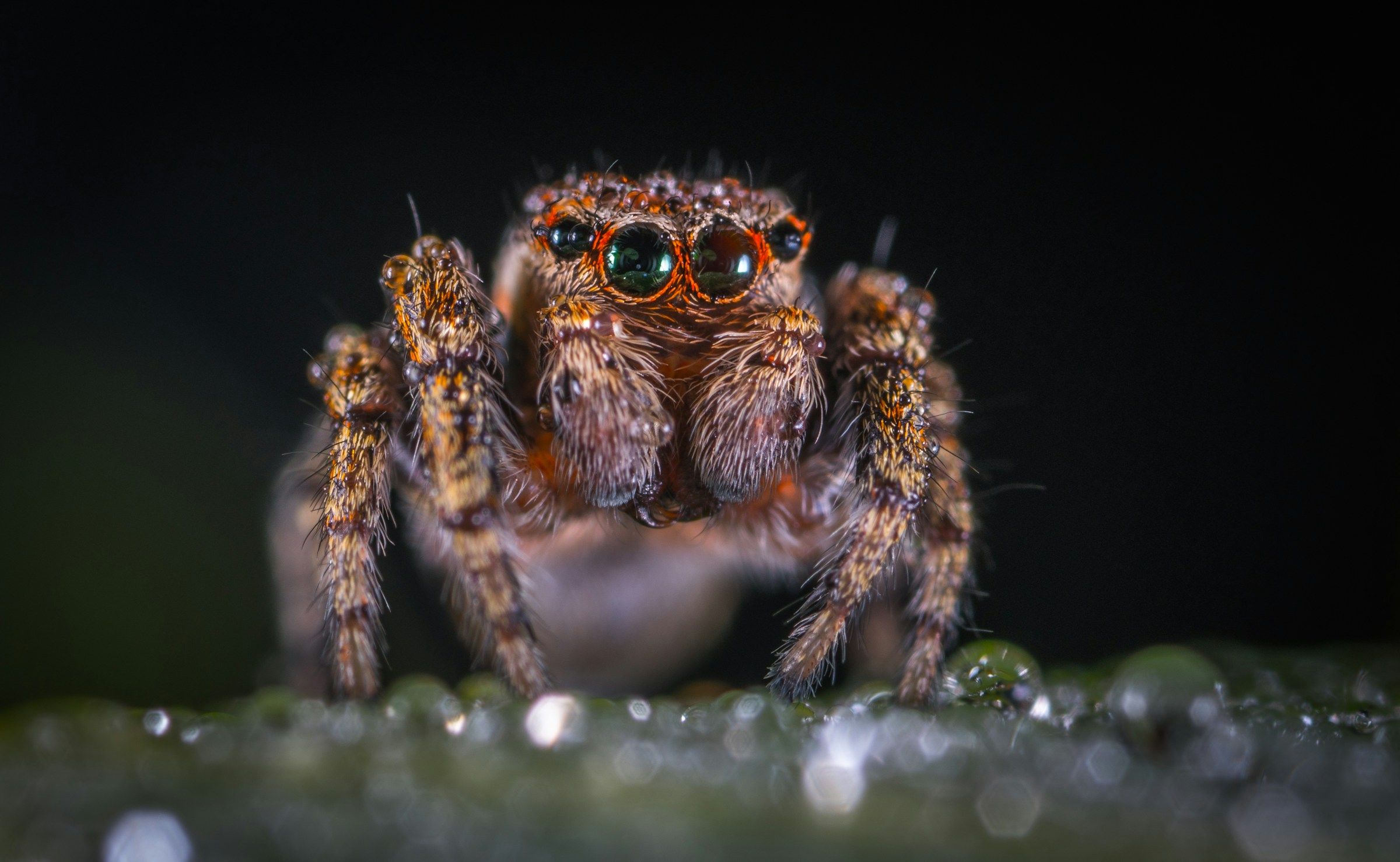
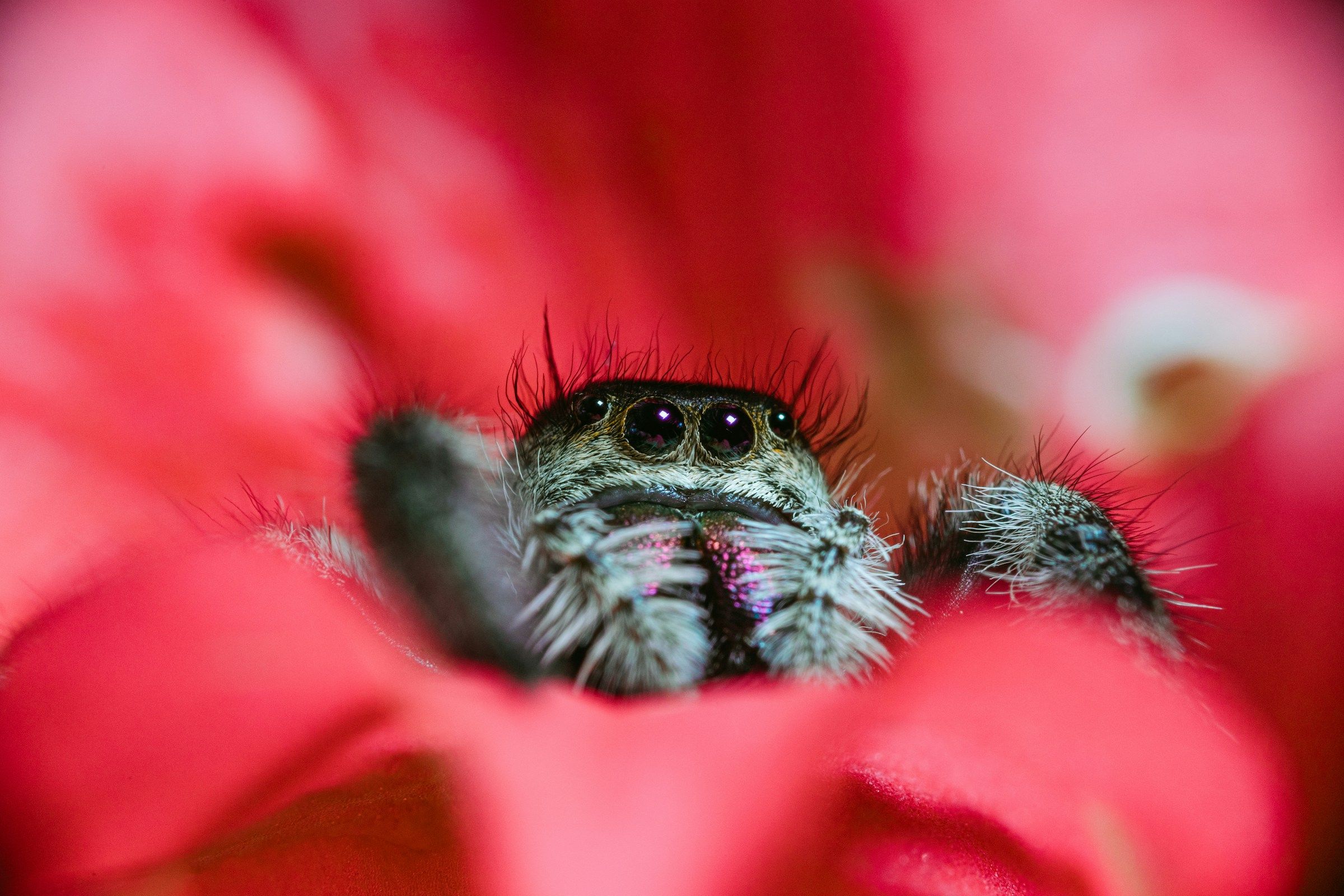
Jumping spider · 24 frames · v001
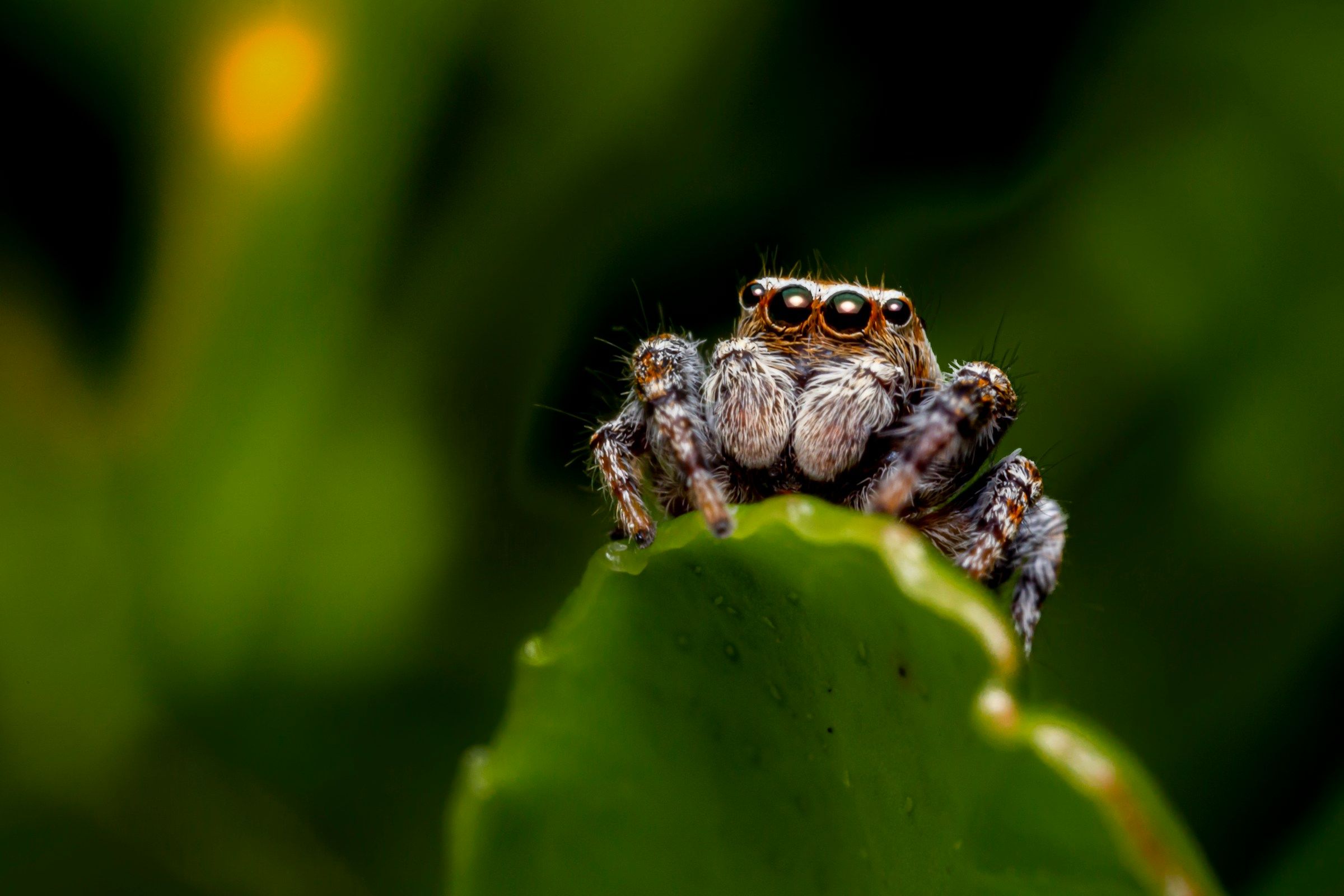
A jumping spider looking out from the petals of a red flower

01

Native on Apple silicon

Built in Swift and Metal for the Mac. Fast, quiet and at home on macOS.

02

Images never leave your Mac

No cloud processing and no uploads. Your photographs stay on your disk.

03

Every pixel is one you shot

No generative fill. Each pixel of a result traces back to one of your frames.

How focus stacking works

Frame 24 / 24

  1. Each frame is sharp in one thin slice.

    At macro distances, depth of field is a sliver. So you shoot many frames, moving focus through the subject.

  2. Stacro lines them up and keeps the sharpest detail.

    Frames are aligned, including handheld ones, and the in-focus part of each is carried into the result.

  3. One image, sharp from front to back.

    Made only from pixels your camera recorded.

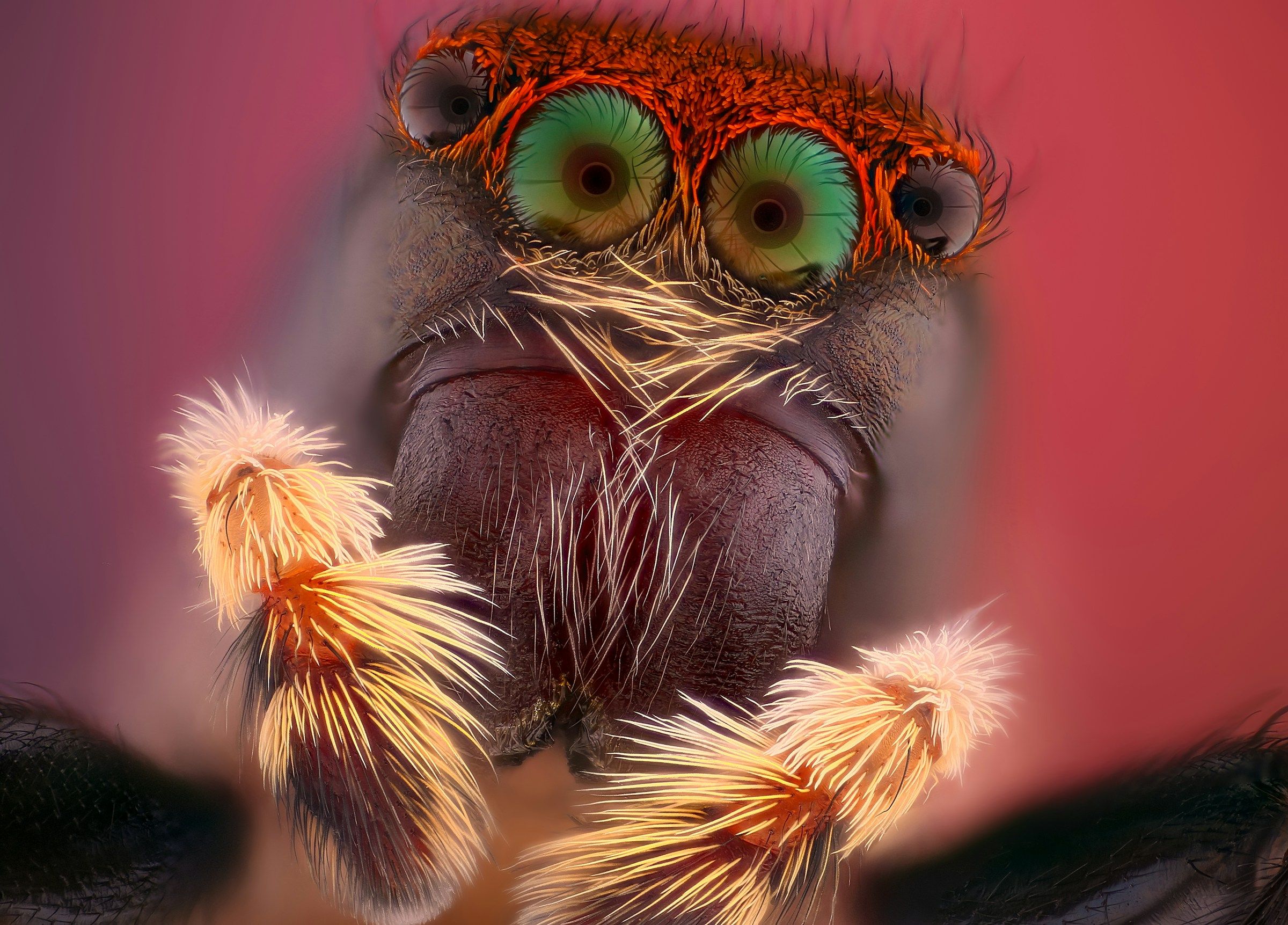
The face of a jumping spider at high magnification, with green eyes and orange hairs

Made for people who photograph small things seriously.

  • You shoot insects, spiders, flowers, fungi or minerals and want the whole subject sharp.
  • You stack handheld in the field as often as on a rail.
  • You shoot RAW and want a stacked file you can still edit as RAW.
  • You would rather review a result than tune a dozen settings.

What Stacro does

From a folder of frames to a finished photograph.

01Stacking

Four ways to stack. One that picks for you.

Different subjects need different methods, and experienced stackers often run two and merge them by hand. Stacro's Hybrid method does that merge for you and shows which method won, pixel by pixel.

  • Pyramid, Depth, Blend and automatic Hybrid
  • A good result from a folder with no settings touched
  • Depth map and method map you can view and export
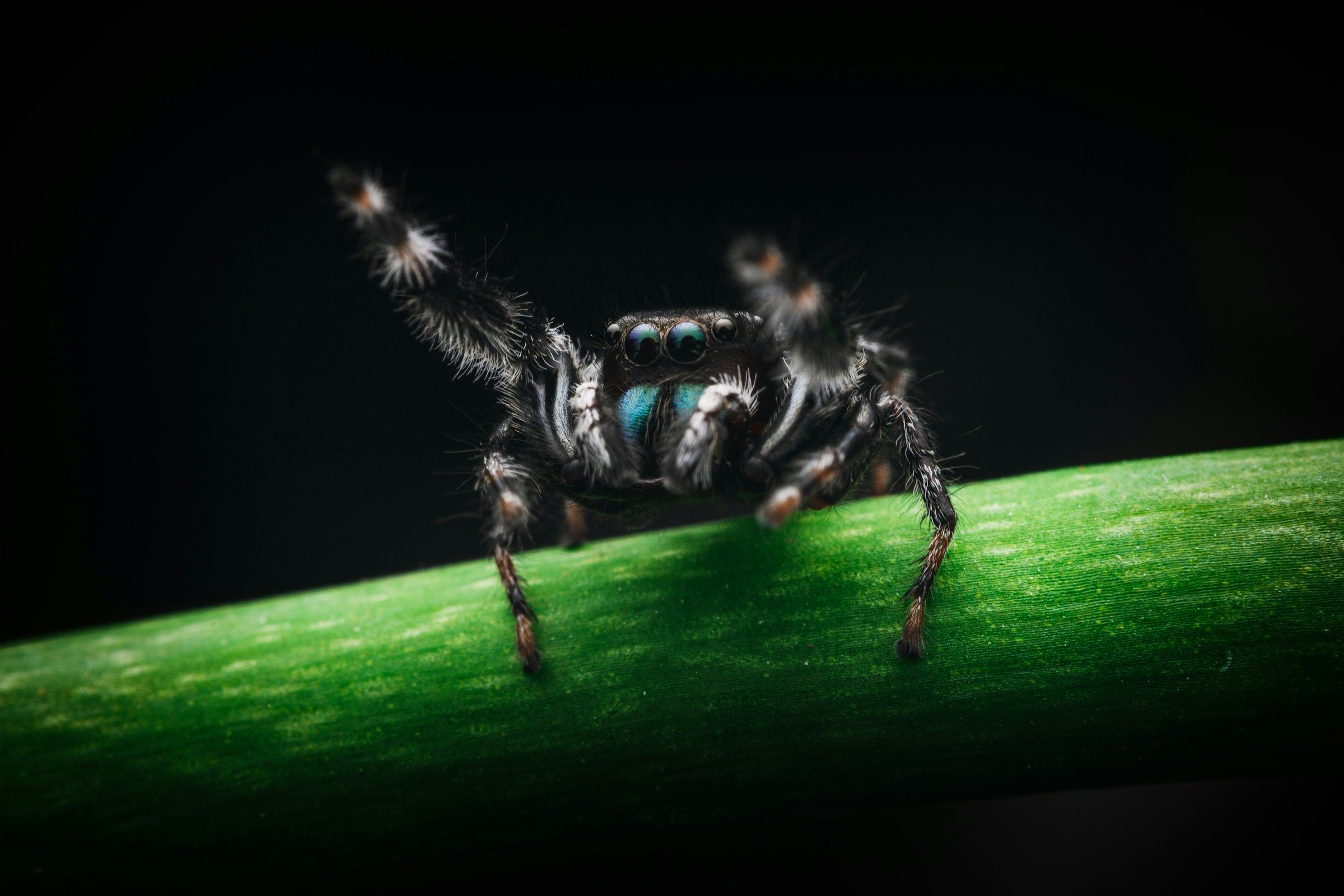
A black and white jumping spider on a green stemSingle frameStacked

Drag to compare. Illustration: the single frame is simulated from the finished image until our own example stacks are added.

Merges detail at every scale, so hairs, bristles and overlapping structures survive.

Best for: Hairy and intricate subjects. The default.

02Alignment

Handheld stacks, properly aligned.

No rail, no tripod, a subject that will not wait. Stacro corrects the shift, rotation, scale and perspective between frames, then refines the alignment locally where the subject has depth.

  • Profiles for handheld, rail and telecentric work
  • Frames blurred by movement are found and left out
  • Shift-only alignment for high magnification, one click away
Align · handheld profile
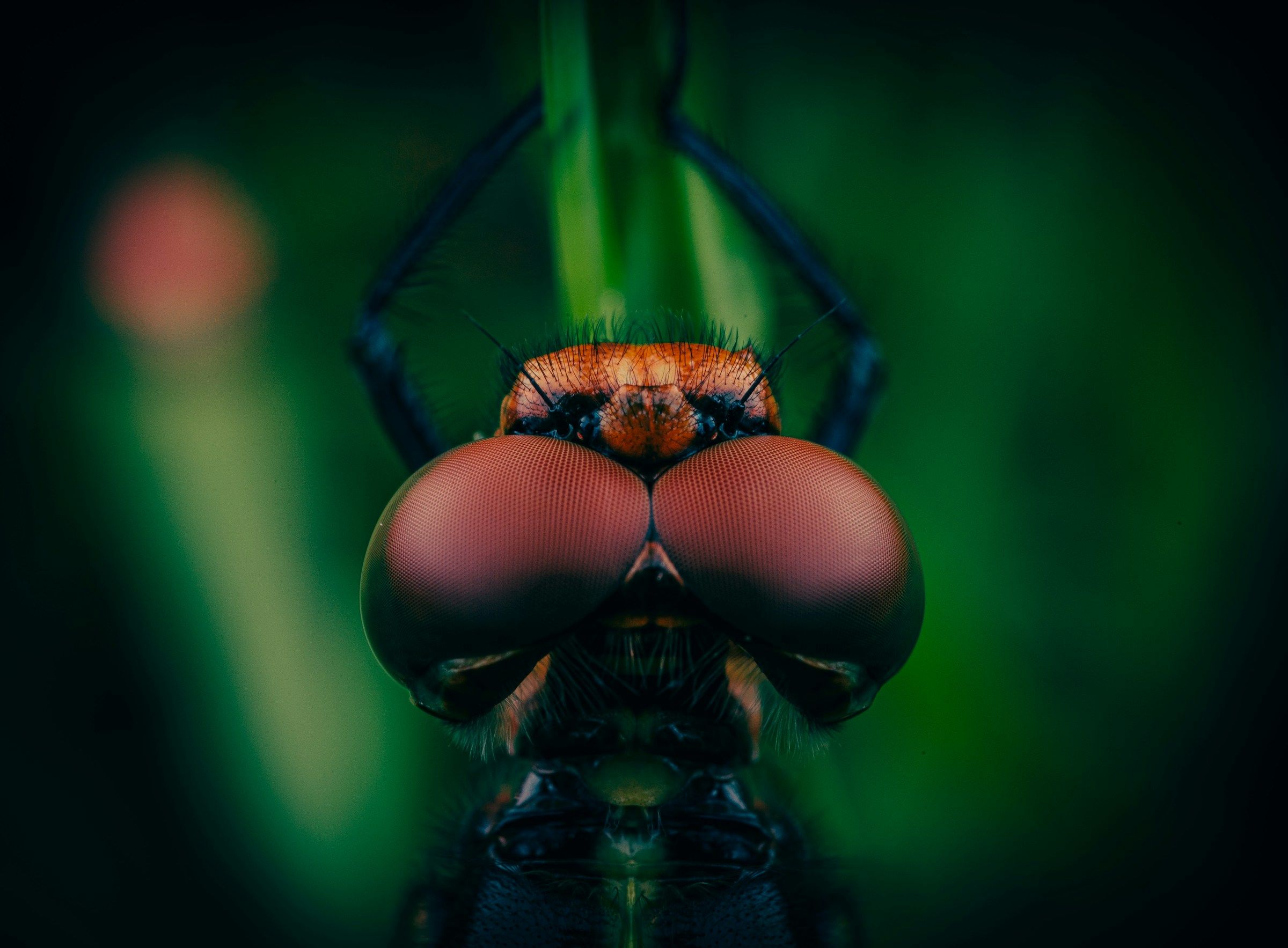
A dragonfly seen head on, its eyes filling the frame

Alignment

Frames aligned21 of 23

Left out, blurred2

ModelPerspective

03Find Stacks

Point it at a folder. It finds the stacks.

A day's shooting is rarely one tidy folder per stack. Find Stacks reads a mixed folder, works out which frames belong together and shows each group as a card to check before anything runs.

  • Accept, merge, split or rename groups, with undo
  • Stack every accepted group in one go
  • Watch a folder and stack new shoots as they arrive

Find Stacks

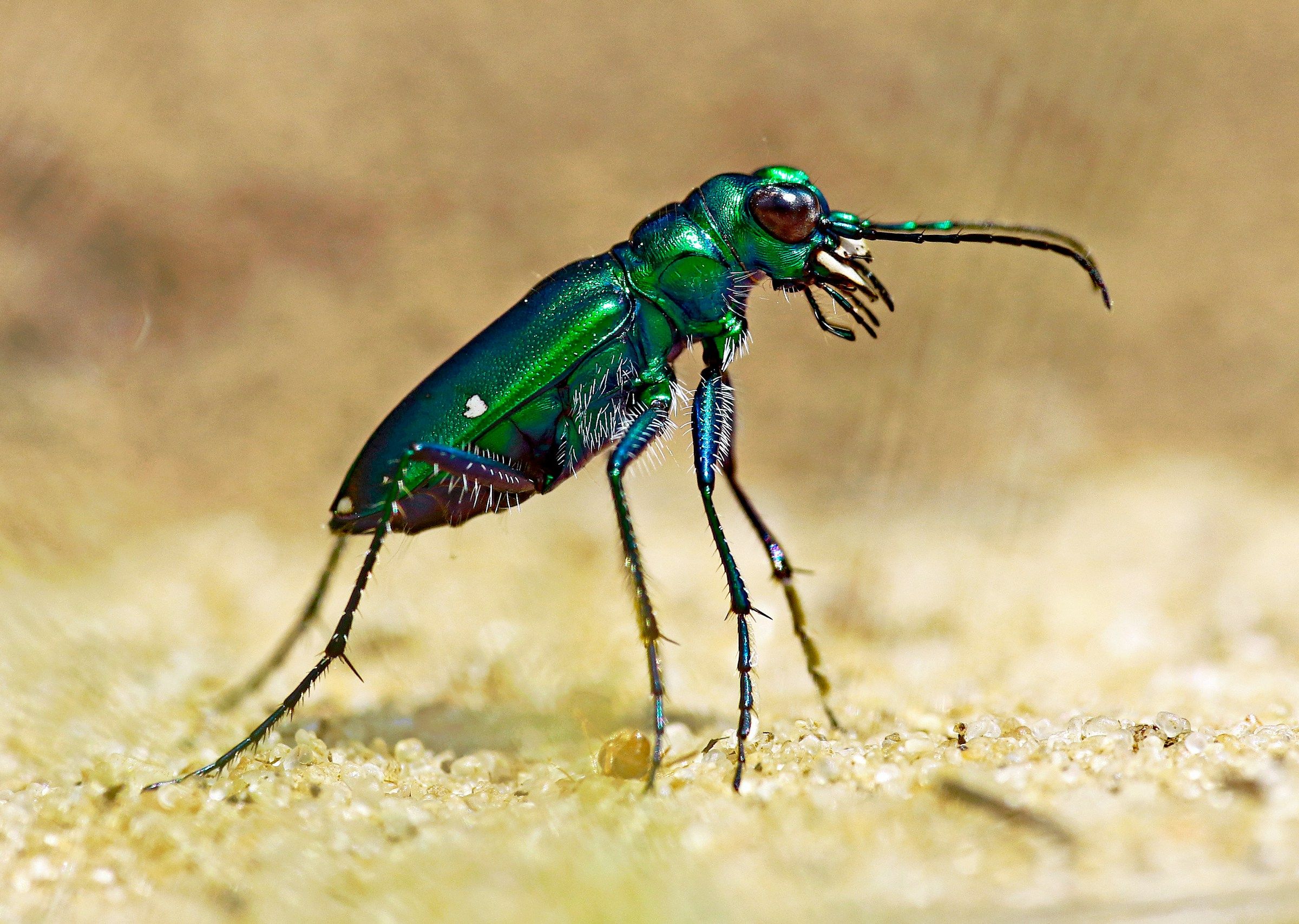
Tiger beetleRail · 4 frames
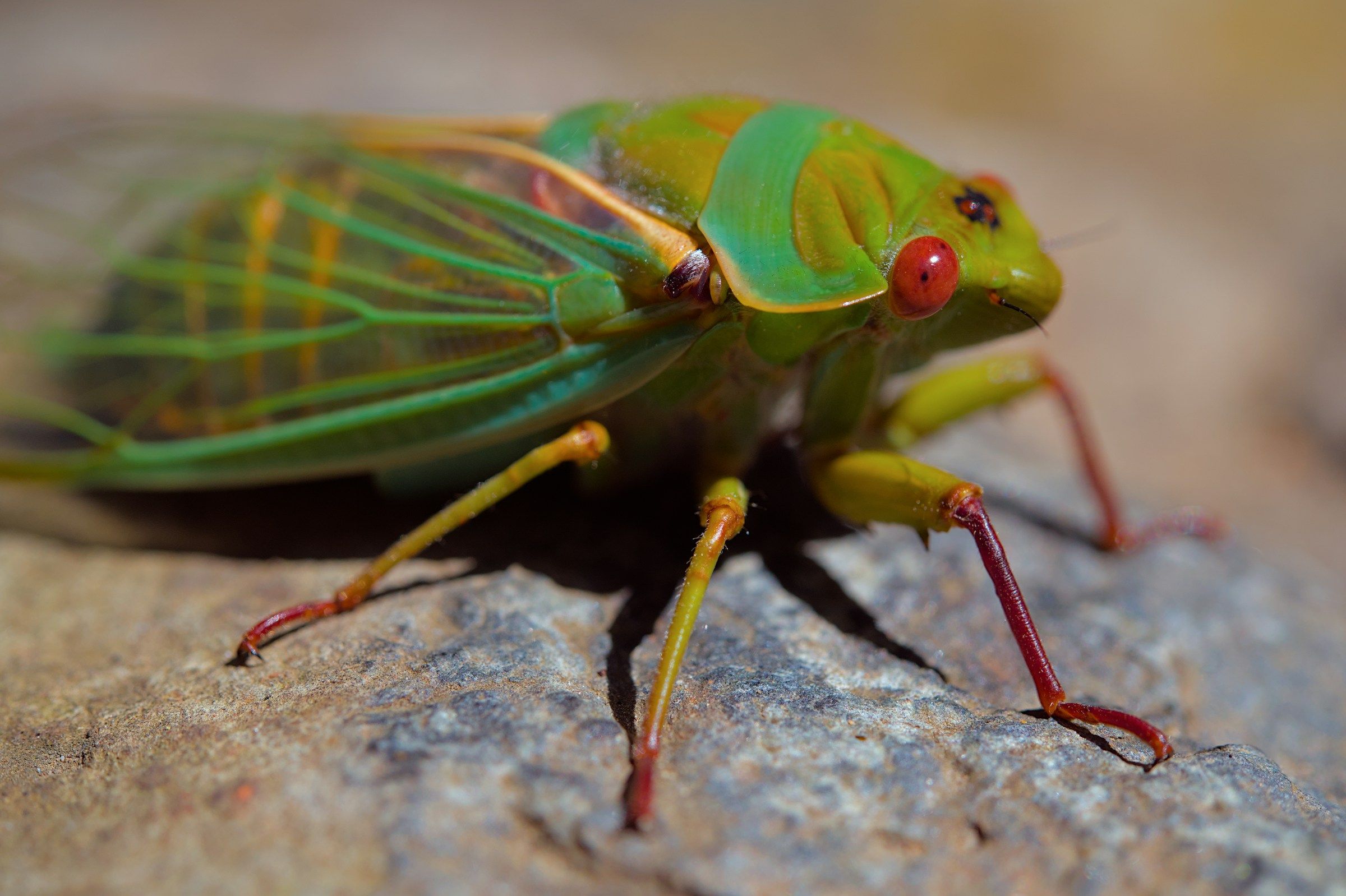
CicadaRail · 4 frames
Jumping spiderHandheld · 4 frames

Illustration of the review step, with frame counts shortened.

04Stack quality

Know what went wrong before you zoom in.

Every run checks the stack itself, in a second or two. You see which frames added nothing, where focus doubled back, and where the steps were wide enough to leave soft bands.

  • Warnings for wasted end frames, focus reversals and wide steps
  • Trim the frame range and re-stack from the same panel
  • A depth histogram of where your frames landed
A brown jumping spider standing on a wet surface

Stack quality

  • Frames 1 to 3 add nothingFocus starts in front of the subject
  • Wide step at frame 14A soft band is likely here
  • No focus reversalsFocus moved one way throughout

05Retouch

Fix the hard parts with pixels you shot.

Crossing hairs, a leg that moved, a halo against the background: every stacker leaves a few. Paint the right detail back in from any source frame or from another version of the stack.

  • Paint from source frames or from another result
  • Re-run just one region with different settings
  • Option-click any pixel to see which frame it came from
Retouch · painting from frame 12
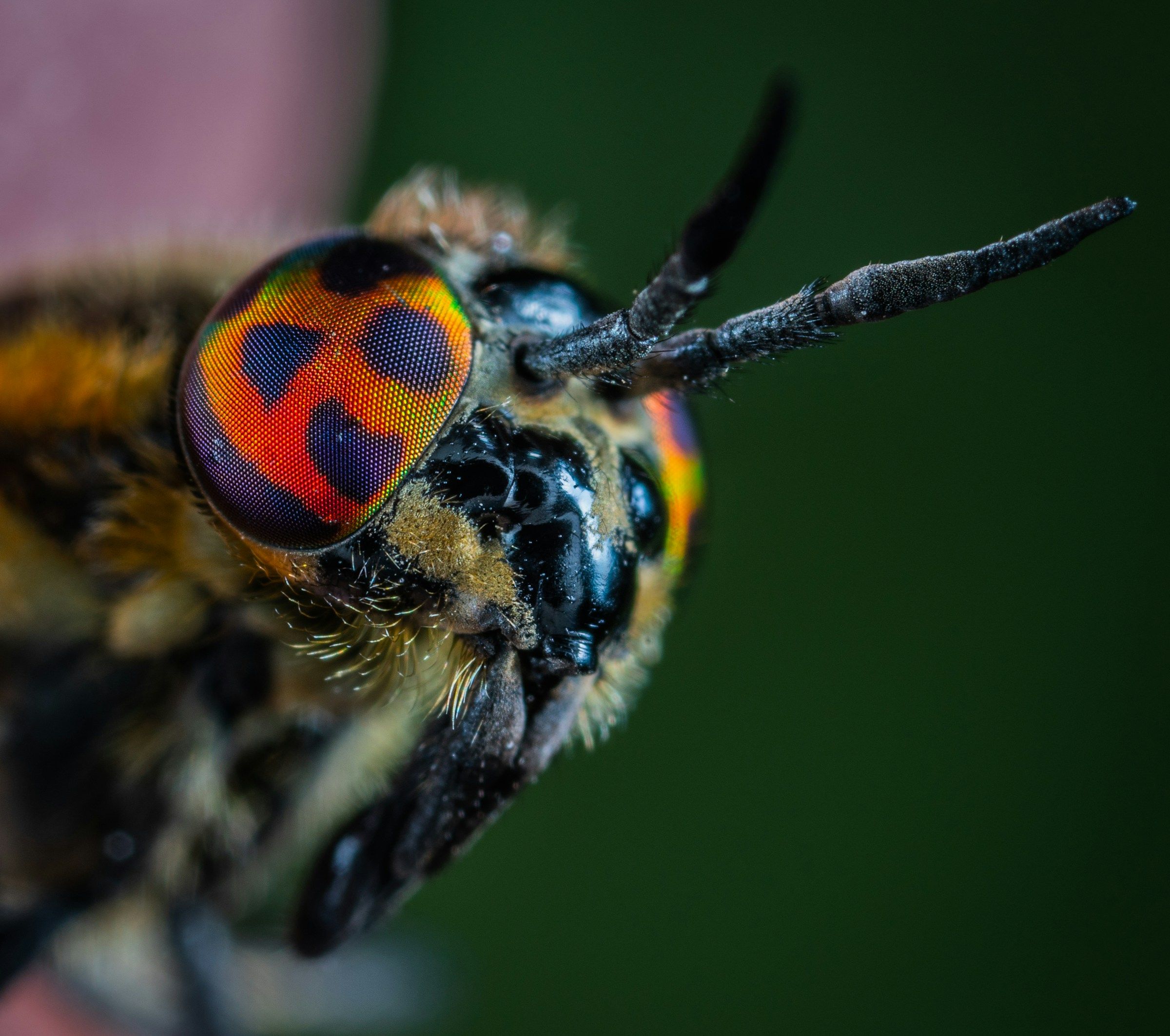
The head of a hoverfly with orange patterned eyes

06Versions

Try another setting. Lose nothing.

Every re-run is a new version beside the old one, never over it. Compare any two side by side, with a slider or as a difference, and keep the one you like.

  • Changing method reuses the alignment, so re-runs are quick
  • Compare: side by side, slider and difference
  • Stack Together merges the best of several versions
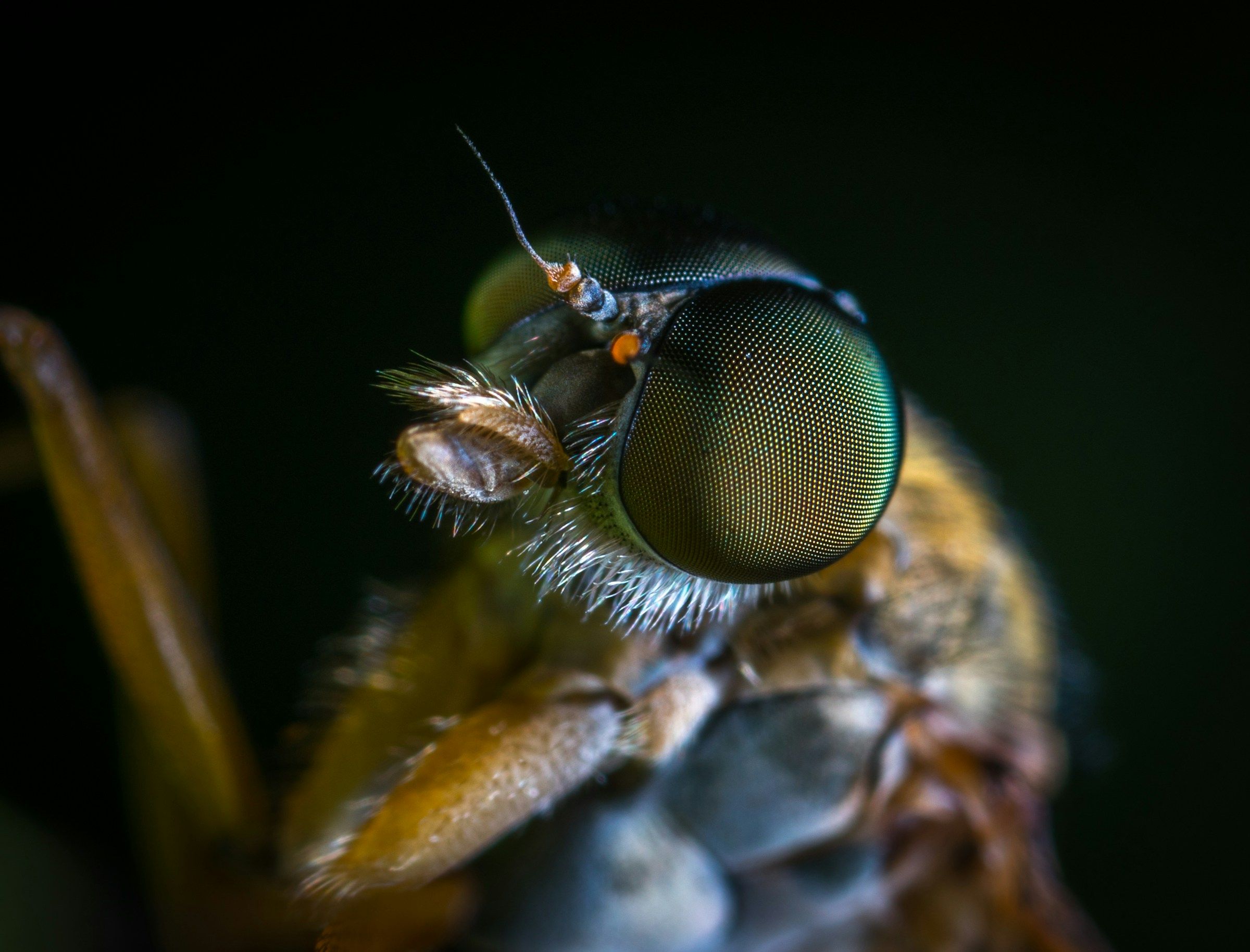
A fly in profile with a large green compound eyev001 · Pyramid
v003 · Hybrid

07Edit image

Finish the picture without leaving.

Edit image gives the stacked result the tone, colour and detail tools you would otherwise open another app for. Edits are non-destructive and the stack underneath is never changed.

  • White balance, exposure, tone curve and eight-band colour
  • Sharpening masked to in-focus detail; noise reduction; defringe
  • Crop and straighten, history, and a before view
Edit image
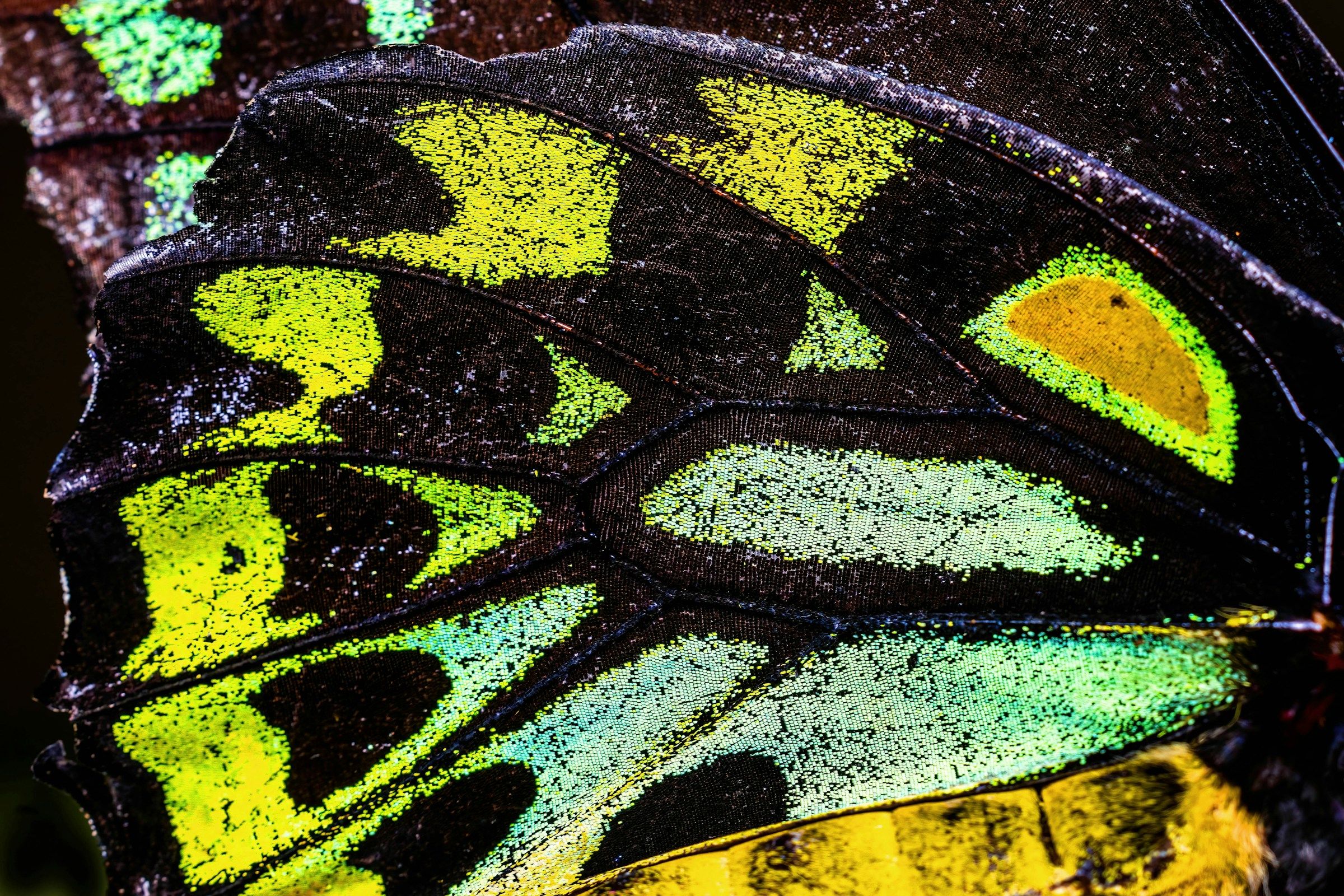
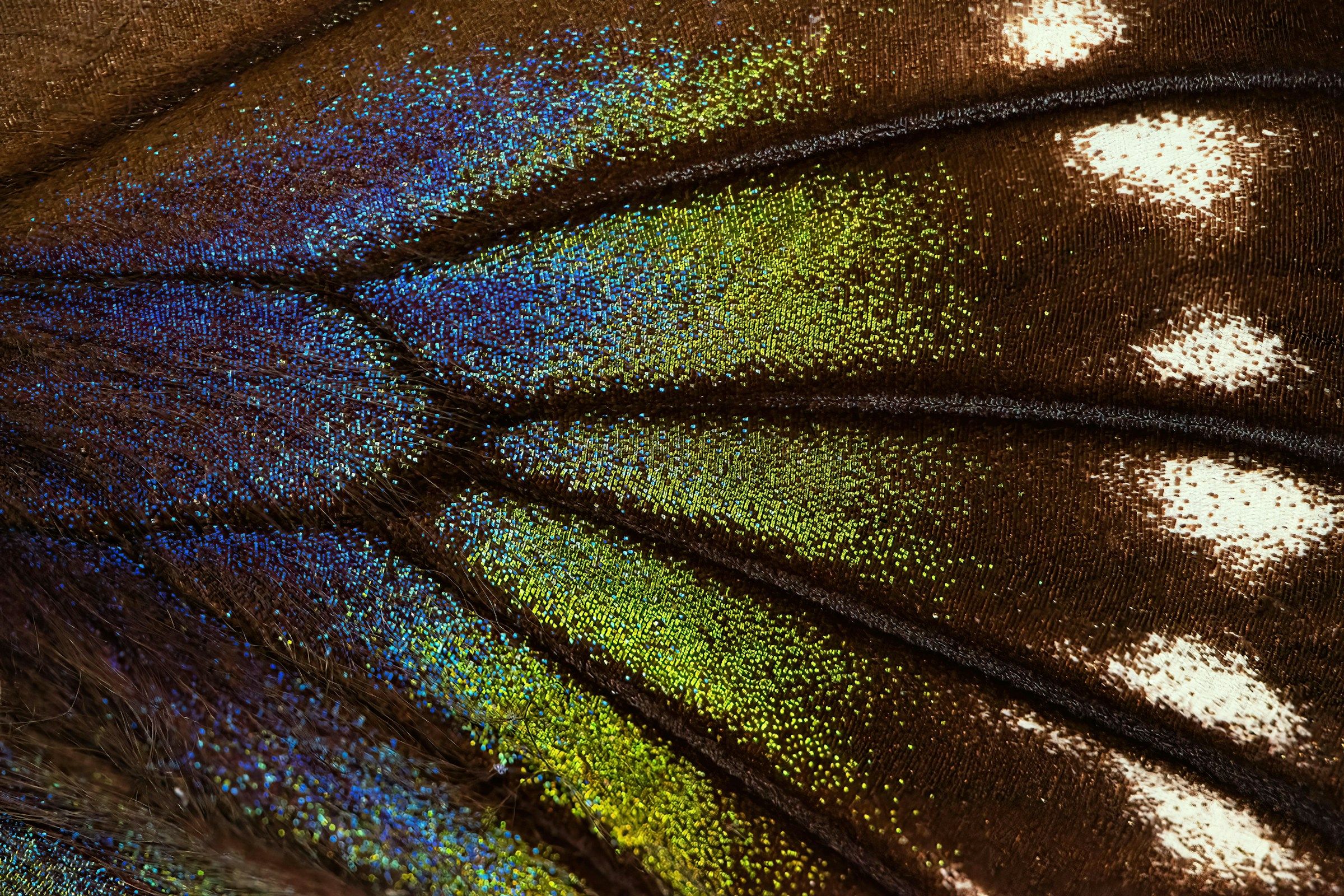
Green, yellow and black scales on the wing of a birdwing butterfly

08RAW in, RAW out

A stacked RAW file your editor understands.

Stacro reads RAW through macOS and can write the result as a linear DNG, so a stack opens in Lightroom, Camera Raw or Capture One like any other RAW file.

  • Linear DNG, 16-bit and 32-bit TIFF, JPEG, PNG and HEIC
  • Export templates for the sizes and formats you use
  • Scale bar from a ruler calibration; depth map export
Iridescent blue and green scales on a dark butterfly wing
DNGTIFF 16TIFF 32JPEGPNGHEIC

Advanced

Automate it, or just ask.

Everything the app does is also available from a command-line tool, and through an integration with Claude: describe what you want in plain words and it finds the stacks, runs them, checks the previews and exports.

  • Batch a whole shoot overnight
  • Script repeatable settings with presets
  • Jobs started elsewhere appear in the app

You Find the stacks in today's shoot and stack the handheld ones with Hybrid.

Claude Found 6 stacks in 2026-11-21: 4 handheld, 2 on the rail. Stacking the 4 handheld groups.

▸ discover_stacks · run_stack ×4 · get_preview

Claude All four are done. Stack 3 has a wide focus step near frame 14, so I re-ran it with Depth for comparison.

You Export the best of each as DNG.

Your files stay yours.

Folders, not a catalogue

Stacro works on the folders you already have. There is no library to import into or export out of.

Sources are never modified

Your original frames are read, never written. Results and projects are kept separately.

No usage tracking

The app sends no analytics and no telemetry. Feedback and diagnostics go only when you choose to send them.

Your work stays yours

Projects you have made always open and export, whatever happens to a beta or a licence.

Questions, answered.

When can I get Stacro?

Stacro is in a closed beta for macro photographers. Join the list and we will invite you as places open. The beta is free.

What will it cost?

Nothing during the beta. For the full release we plan a free tier and a paid Pro licence you can buy outright. Prices will be set after the beta, with testers' feedback.

Which Macs does it run on?

Any Mac with Apple silicon (M1 or later) running macOS 26 or later. There is no Intel, Windows or Linux version.

Which cameras and file types work?

Stacro reads RAW through macOS, so any RAW format your Mac can open should work, along with DNG, TIFF, JPEG, HEIC and PNG. It is developed on Canon CR3 files; the beta is how we check other cameras.

Does it work with handheld stacks?

Yes. The handheld profile corrects shift, rotation, scale and perspective between frames, refines the alignment locally, and leaves out frames that are blurred by movement.

Do my photographs get uploaded anywhere?

No. All processing happens on your Mac and your images stay on your disk. The beta uses an account to activate the app; the account holds your email address and devices, and nothing about your photographs.

Does Stacro use generative AI on my images?

No. Every pixel in a result comes from one of your frames. Stacro does not invent or fill in detail.

Can I keep using Lightroom or Capture One?

Yes. Stacro can write a linear DNG, so the stacked result opens as a RAW file in your usual editor. If you prefer to finish in one place, Edit image has the tone, colour and detail tools for that.

Bring your sharpest work into focus.

Join the beta list. We invite photographers in small groups, and it is free while we test.